How to Fix Corrupted iPod Classic - Unsolved
I am trying to sync my iTunes library to an old iPod Classic (120 GB). In trying to sync it, various errors keep arising.
4/16/26, 10:30am
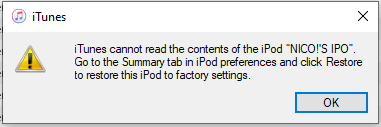
Steps taken:
Restored iPod using iTunes
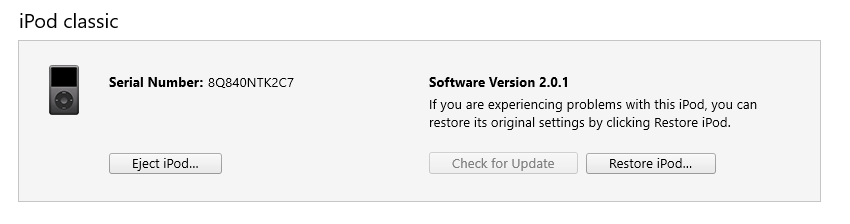
iPod restarts, then appears in iTunes.
Set iPod to sync music via a playlist, to allow for incremental syncing (10GB at a time), per the advice of Turingtest12.
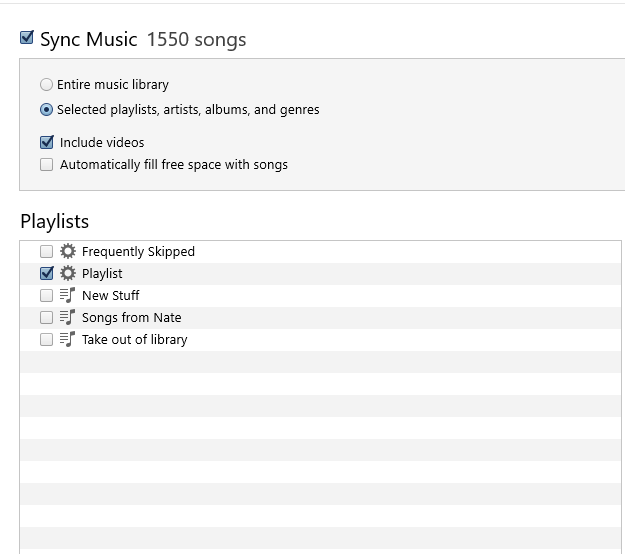
I hit Apply and the syncing begins.
It syncs for a while before this error comes up. This has come up before, but it's always a different song that's named.
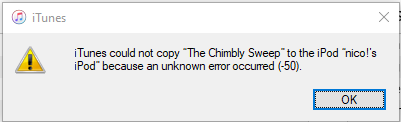
1045 songs managed to sync, 6.58 GB.

If I hit sync again, it will start syncing. It gets to song 138, a different song, and then progress stops.
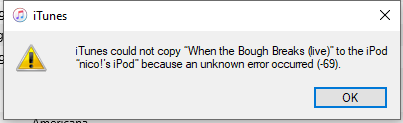
Error -69 pops up.
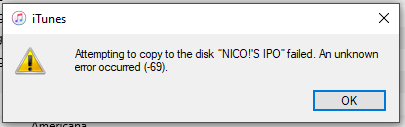
Beneath that error message was another.
**
Found someone encounter the error -50 on another thread.
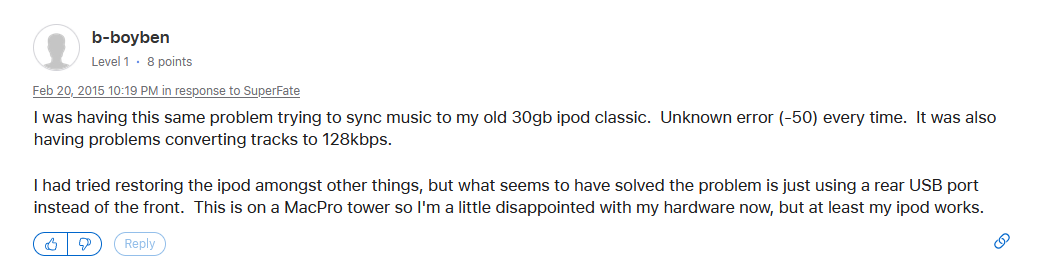
Switched from front port to rear port. Syncing starts again.
Error -50 occurs again.
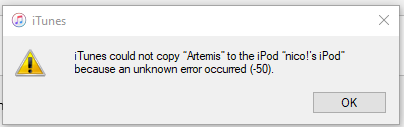
Restored the iPod again. Saw something about how iTunes is no longer backward compatible with iPod classic, so giving MediaMonkey a try. Set up library in MediaMonkey and started syncing on restored iPod.
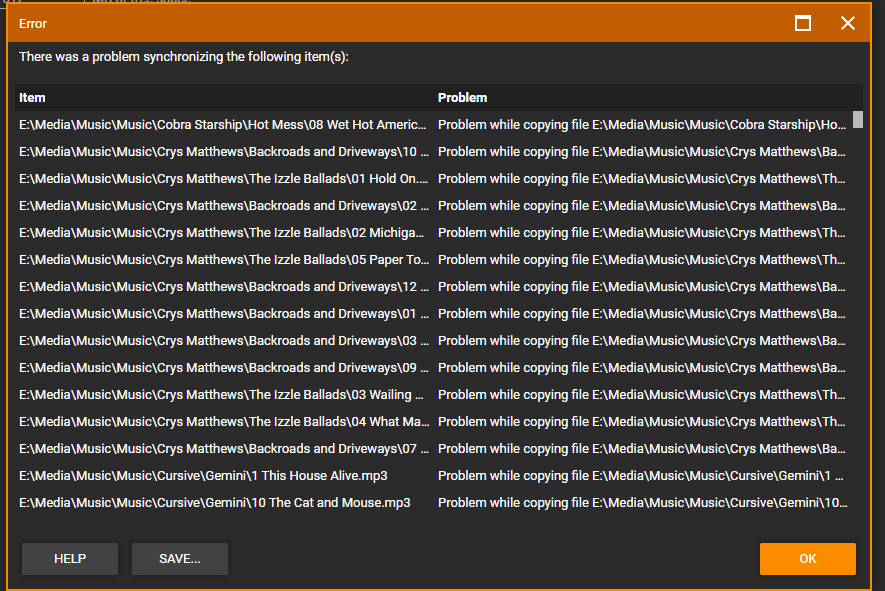
Synced for a while. Then this error arose.
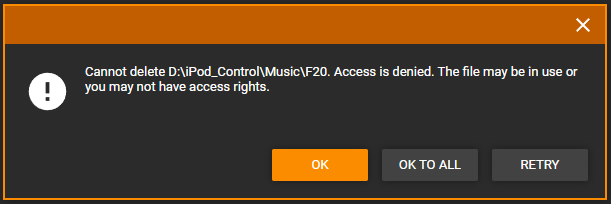
I clicked retry. Error came up again. I clicked Ok.
It says the iPod is still syncing, but it looks like it's stopped at song 1030, which is around a similar time it got stuck when trying to sync on iTunes.
Managed to get syncing to proceed, but at the end of syncing, it looks like there was an error in trying to sync every file.